October update: new ways to pay, a new website and account security
This is the biggest ChrononLabs update so far. You can now pay with USDC or through GmodStore, the website and dashboard are rebuilt and translated into 14 languages, your account can be protected with two-factor authentication and passkeys, and new detections wait in a review queue for your staff. Here is everything that changed.
More ways to pay
Every payment goes to your ChrononLabs balance, which pays for your servers. There are now three ways to add to it.
- Card. Choose Add funds on the Balance page and pay by card through Stripe, the same as before.
- USDC. Choose Pay with USDC when you add funds. You get a one-time deposit address, the euro amount is converted at the European Central Bank’s daily reference rate, and your balance is credited once the payment is confirmed on chain.
- GmodStore. Garry’s Mod subscriptions can be bought on GmodStore. Connect the Steam account you bought with, and each payment is added to your balance automatically, including payments made before you had a ChrononLabs account.
Topping up directly by card or USDC is the cheapest option. The one-server monthly plan costs $39 on GmodStore and adds €25 to your balance, while a €25 top-up on chrononlabs.net costs €25. Our payments post goes through each method step by step.
A new website and dashboard
The site and dashboard are rebuilt from the ground up, with a new design that works on phones as well as on desktops.
- Detection page. Every detection opens with a clear verdict, the key moments from the fight and how the player’s accuracy compares, with the ChrononRewind replay playing right on the page.
- Lists. Players, Detections and Bans share a single Filters menu and have layouts built for phones.
- Home page. The home page now opens on a ChrononRewind replay that plays inline.
Now in 14 languages
The website and dashboard are available in English, Русский, Français, Deutsch, Español, Português (Brasil), Polski, Türkçe, 简体中文, Українська, 日本語, 한국어, العربية and עברית. Your language is picked from your browser settings, and you can change it at any time from the language menu. Arabic and Hebrew read right to left.
Account security
Three new controls are on your Account page.
- Two-factor authentication. Ask for a code from an authenticator app whenever you sign in, including with Steam or Discord. You get recovery codes in case you lose access to the app, and we email you whenever two-factor authentication is turned on or off.
- Passkeys. Sign in with your fingerprint, face or screen lock instead of a password. A passkey also counts as your second factor.
- Active sessions. See every device signed in to your account in the last 24 hours, and sign out any one of them or all the others at once.
A review queue for your staff
Every detection now has a status: Needs review, Banned or Dismissed.
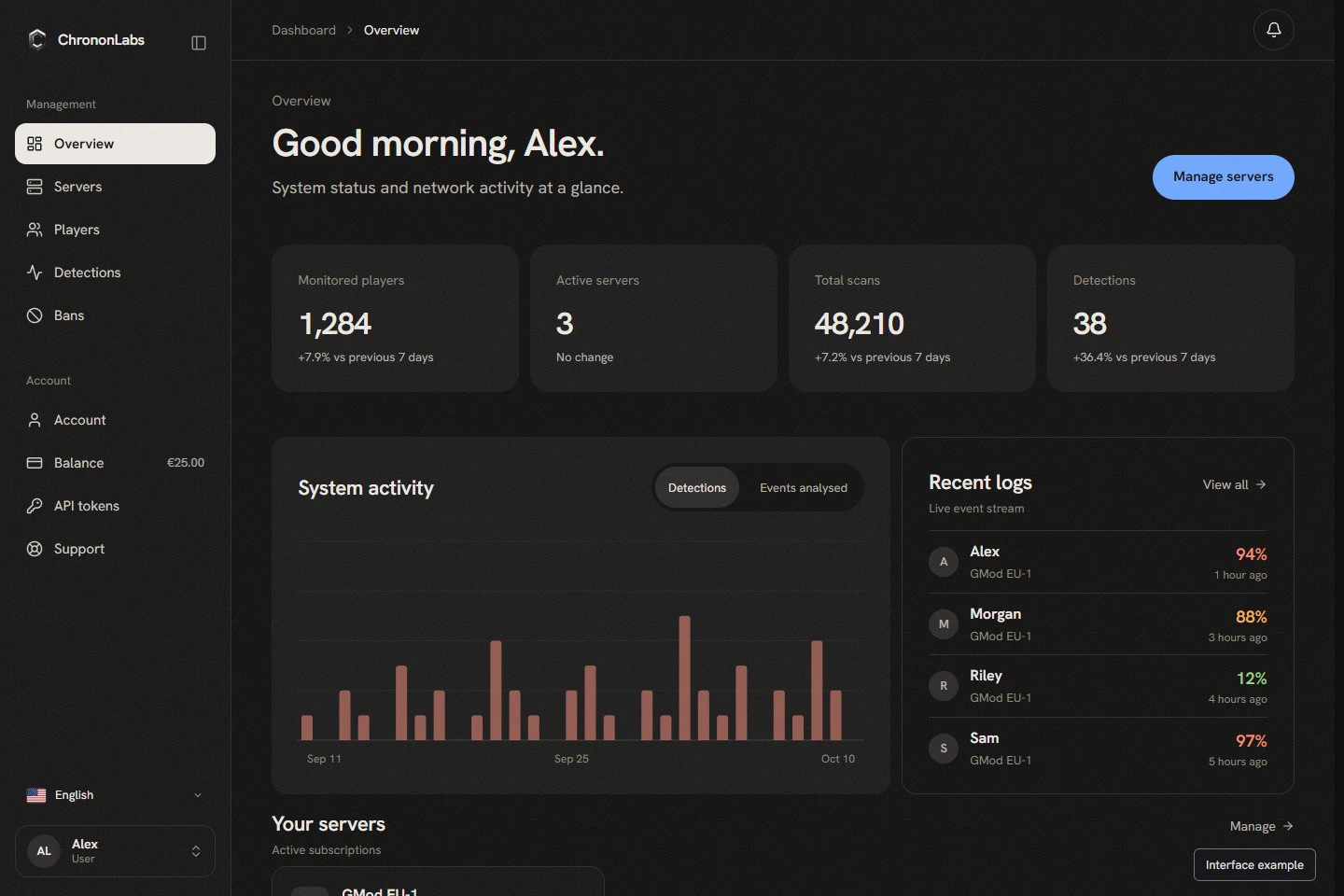
Detections that don’t meet your automatic ban rules are marked Needs review and wait on your Overview page. Your staff can open one, watch the ChrononRewind replay and ban or dismiss in one click. A ban resolves the player’s other detections on that server, and detections leave the queue after 30 days.
Automatic bans are still on by default. Each server can ban instantly, after a delay or in waves, using a SAM, ULX or Lyn preset or your own ban command.
Training (invite-only)
We’re inviting a small group of users to help train future ChrononLabs models. Invited reviewers find Training in their dashboard sidebar, watch replay clips and answer one question for each label, such as whether the player is using an aimbot. They can also label a clip straight from a detection page. A vote doesn’t directly affect the player being watched.
Questions or feedback? Talk to us on Discord, or find ChrononLabs on GmodStore.